Bye Bye Blogger, Hello GitHub Pages
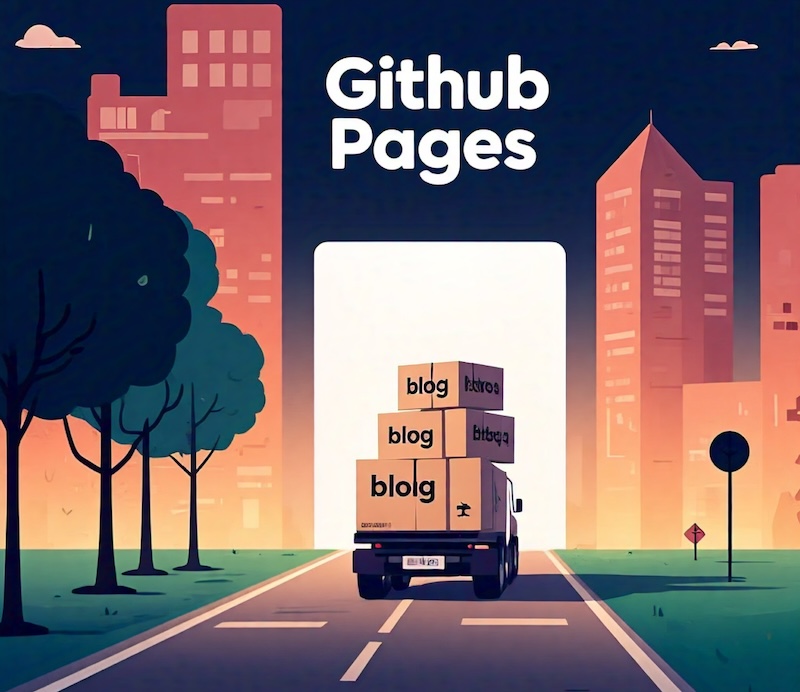
I started blogging in 2011, sharing my thoughts on photography and travel on Blogger (now deprecated). Back then, Blogger was simple, reliable, and did the job. However, over the years, Google stopped updating and improving it, turning it into more of a hassle than a convenience. Ensuring consistent styling became a recurring pain point, and Google’s habit of abruptly shutting down projects left me wary that Blogger could be the next on the chopping block. So, I decided it was time to move my blog elsewhere.
I gave WordPress a shot, but it came with its own challenges. Styling issues were still a concern, and when I tried importing my Blogger content, the results were a mess. That’s when I decided to take full control and move everything to my own website. After some research, I decided to use GitHub Pages, which offers full flexibility and control, allowing me to manage my blog exactly how I want.
First, I needed to make sure that I can migrate my close to 100 blog posts. Blogger gives all of your website in a form of a single xml dump, which is totally unusable. Luckily, I managed to find this brilliant script to convert my blog posts into individual Markdown posts. Markdown is simple, clean, and far easier to work with than traditional blogging interfaces. After some tweaking and customization (code here), I managed to get everything working seamlessly.
For the blog itself, I used a GitHub Pages template to set up my site. The best part? It’s completely free. The only minor caveat is that your site will have a “github.io” domain unless you choose to link a custom domain. It’s as close as you can get to hosting your own blog without the costs of renting a server.
That said, this solution isn’t for everyone. If you’re not familiar with coding, it may not be for you. Managing your blog involves maintaining a GitHub repository, and every change would require code change using git. Customization requires basic knowledge of HTML, CSS, and JavaScript. However these days, LLMs make these tasks far less daunting. For example, I managed to add search capability to my blog, and changed its layout considerably using Claude and ChatGPT. But I digress. This is not a tech blog!
You might wonder how you can blog when traveling without a laptop. This is actually not a problem because you can modify or create new files/posts on GitHub website using your phone or tablet. You can also upload your photos to a folder in the repo, and use them in the posts. Writing Markdown is super straightforward, and getting consistent styling is not an issue whatsoever.
For me, the move to GitHub Pages was worth it, and I learned a few things along the way. My blog now feels more modern, runs fast and smoothly, and is more future-proof. If you’re comfortable with a bit of coding and want full control over your blog, it’s an option worth considering.
Creative Credits: The image in this post was generated using Meta AI, with a lot of prompt tuning to achieve the desired result.